Go to your Google Account and on the left navigation panel, choose Security.
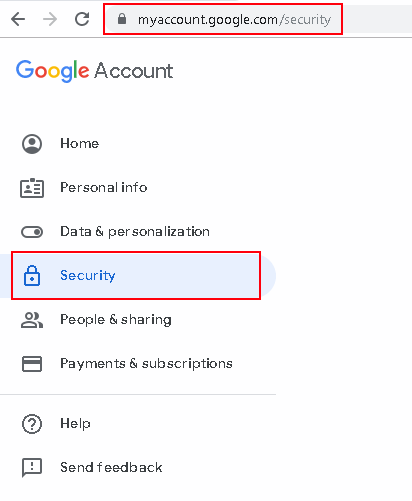
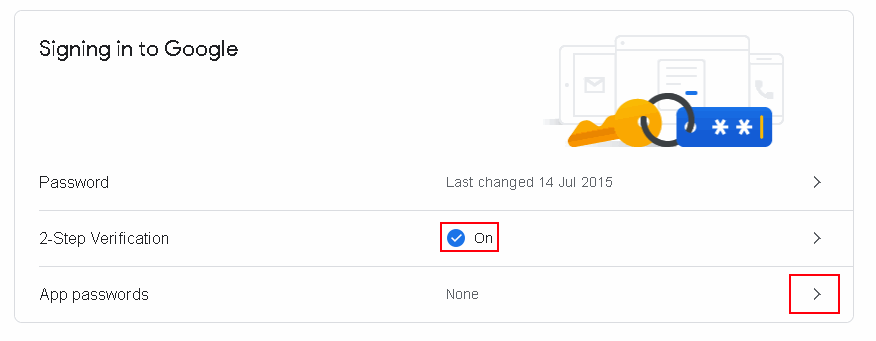
On the “Signing in to Google” panel, make sure I that 2-Step Verification is turned on and choose App Passwords. …
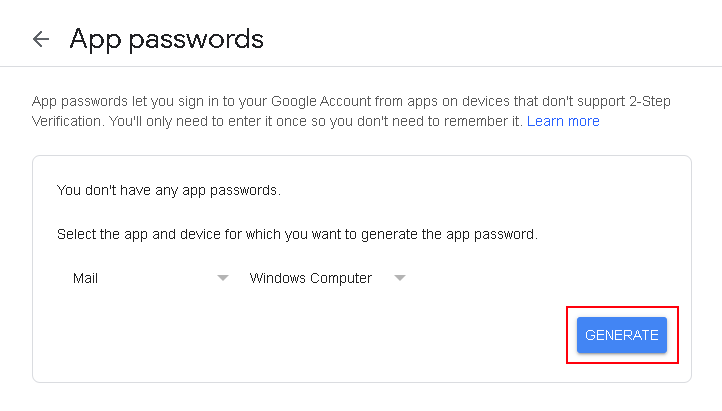
Select device and choose the device you’re using. Choose Generate.
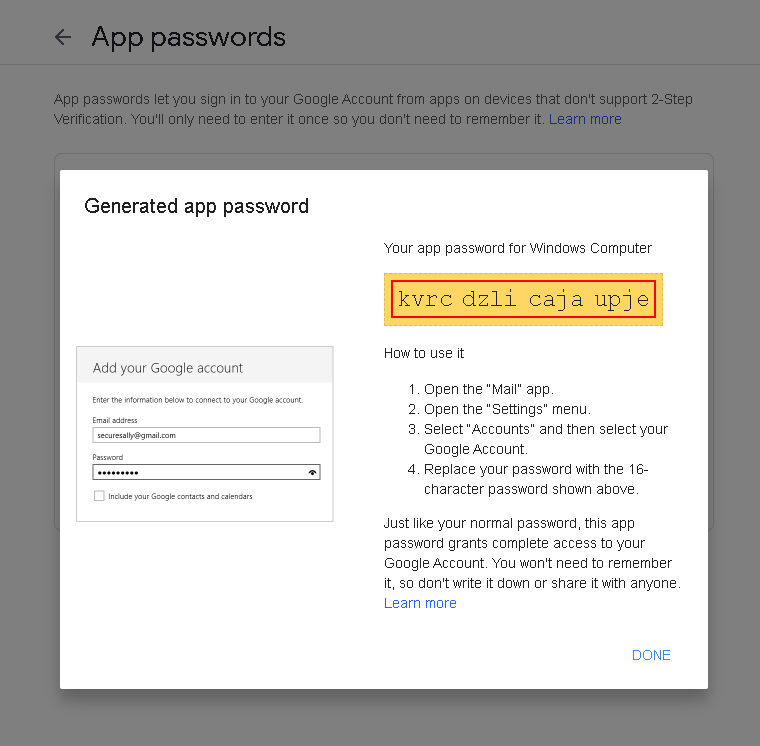
Copy the generated password:
Log in to your IMAP, SMTP, POP3 account using your email and the generated password (instead of your email’s password):
Remember – no spaces!
C# code:
using (Imap client = new Imap())
{
    client.ConnectSSL("imap.gmail.com");
    client.UseBestLogin("XXXXX@gmail.com, "kvrcdzlicajaupje");
// ...
    client.Close();
}
VB.NET code:
Using imap As New Imap
imap.ConnectSSL("imap.gmail.com")
imap.UseBestLogin("XXXXX@gmail.com, "kvrcdzlicajaupje")
' ...
imap.Close()
End Using